

Introduction
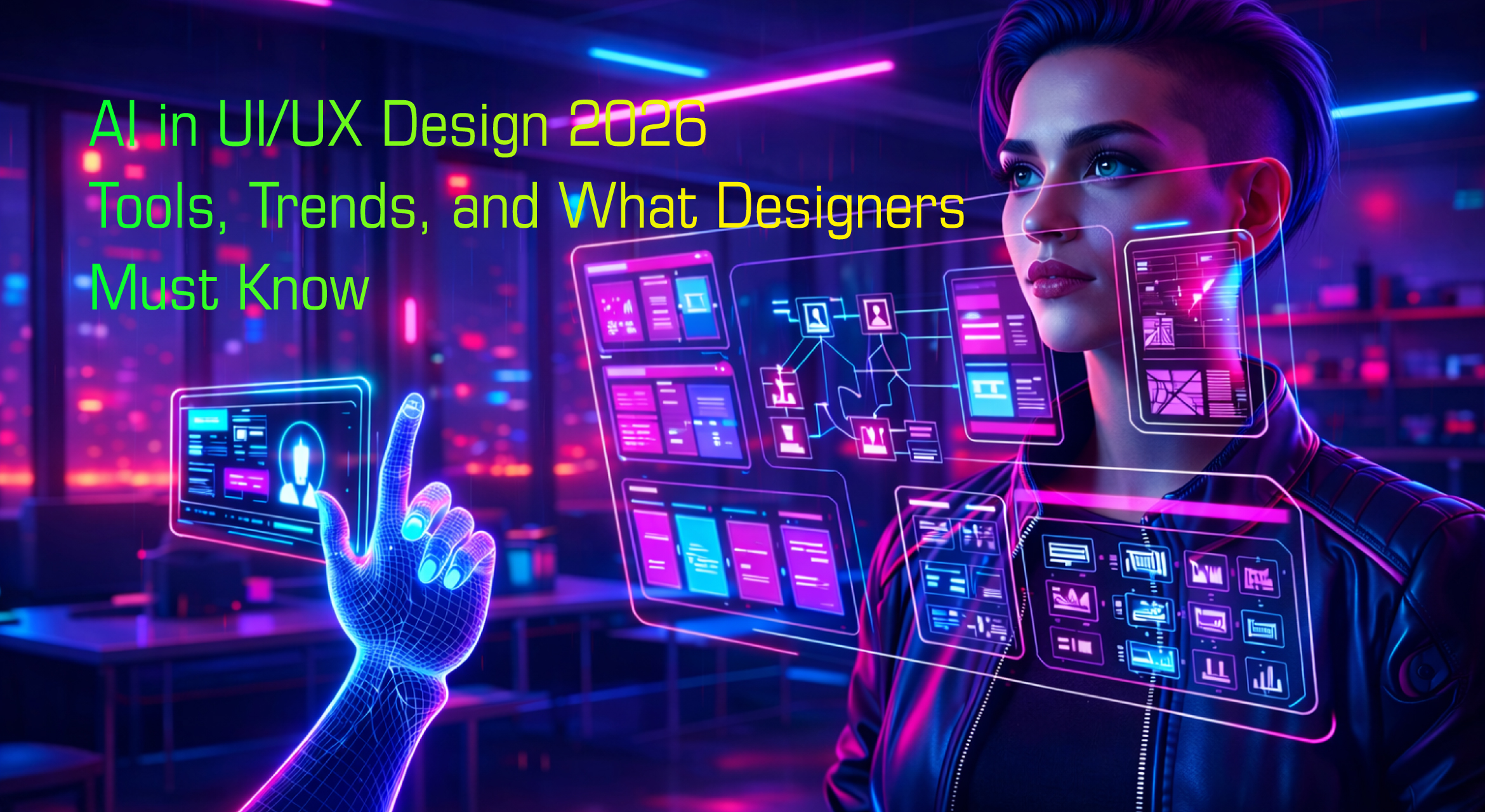
AI in UI UX Design 2026 is transforming how designers create digital experiences. Artificial intelligence is helping designers build smarter interfaces, automate design tasks, and improve user experience faster than ever.
UI/UX design has always been about understanding people, solving problems, and creating meaningful digital experiences. But in 2026, something major is reshaping how designers work: Artificial Intelligence (AI).
Just a few years ago, designers spent hours creating wireframes, testing layouts, writing UX copy, and analyzing user behavior manually. Today, AI can assist with many of these tasks in seconds. It can generate UI layouts, analyze user data, suggest design improvements, and even create complete prototypes.
But here’s the important thing to understand.
AI is not replacing designers.
Instead, it is transforming how designers work.
Designers who understand AI tools can design faster, test better ideas, and build smarter experiences. Those who ignore AI may find themselves falling behind in a rapidly evolving industry.
For students, professionals, and design institutes like Adontic Creative School, understanding AI in design is no longer optional — it is essential.
In this article, we will explore:
-
What AI in UI/UX design actually means
-
The biggest AI design tools in 2026
-
How AI is changing the design workflow
-
New trends in AI-powered design
-
Skills designers must learn
-
The future of AI and UX
Let’s start with the basics.
What is AI in UI/UX Design?
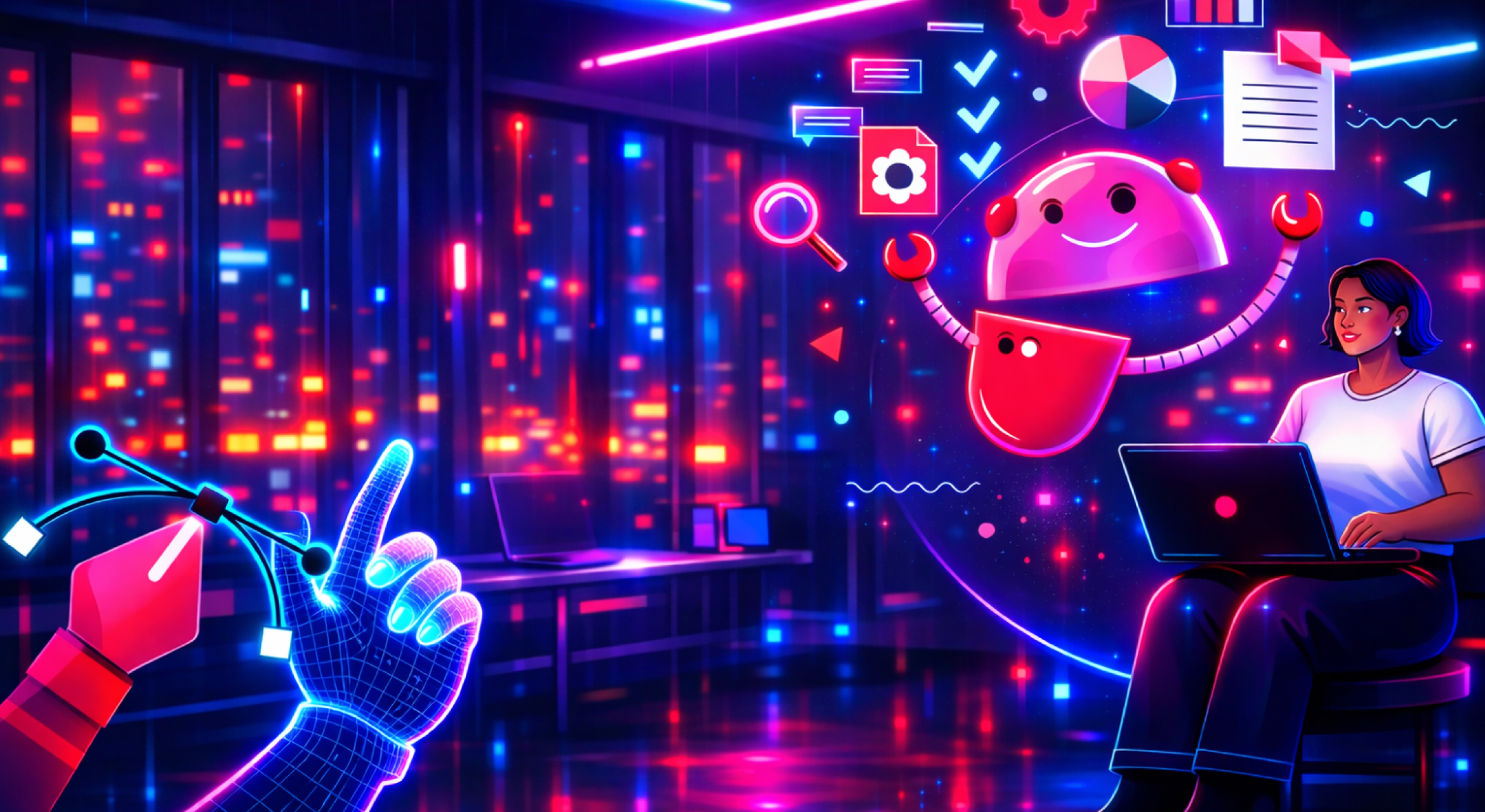
Artificial Intelligence in UI/UX design refers to using machine learning, automation, and generative technology to assist designers in creating better user experiences.
Instead of doing everything manually, designers can now work with AI systems that help with:
-
Layout generation
-
UX writing
-
User research analysis
-
Accessibility improvements
-
Design suggestions
-
Prototyping
-
Personalization
Think of AI as a smart design assistant.
For example, instead of manually designing ten different layouts for a homepage, a designer can describe the goal to an AI tool and receive multiple layout options instantly.
Similarly, AI can analyze thousands of user interactions and reveal insights such as:
-
Why users drop off during checkout
-
Which interface elements cause confusion
-
What users actually focus on in a design
This allows designers to make data-driven design decisions rather than relying only on assumptions.
But AI in design is not just about automation. It also introduces a new concept called Generative Design.
Generative design means designers can generate design ideas using AI prompts.
Example:
A designer might prompt an AI tool:
Create a modern fintech dashboard UI with dark mode, data visualization, and minimal navigation.
Within seconds, the AI generates multiple design options.
Designers then refine and improve those outputs.
This creates a collaborative relationship between designer and AI.
Why AI is Transforming UI/UX Design
There are three main reasons AI is transforming design.
1. Faster Design Process
Traditional design workflows involve many repetitive tasks.
Examples include:
-
Resizing components
-
Creating multiple layout variations
-
Writing microcopy
-
Organizing design systems
-
Creating responsive layouts
AI tools can automate many of these tasks.
A process that once took hours can now take minutes.
For designers working in startups or product teams, this speed can significantly improve productivity.
2. Better User Insights
Understanding users is the core of UX design.
However, analyzing user behavior manually can be difficult because of large datasets.
AI-powered analytics tools can analyze:
-
heatmaps
-
user flows
-
click patterns
-
scrolling behavior
-
conversion funnels
This allows designers to quickly understand how real users interact with products.
The result is better design decisions based on real data.
3. More Personalised User Experiences
One of the biggest advantages of AI is personalization.
Modern apps increasingly adapt their interface depending on the user.
For example:
Streaming apps recommend content based on viewing history.
E-commerce platforms personalize product suggestions.
Fitness apps adapt workouts based on user activity.
This means the UI itself becomes dynamic and intelligent.
Designers must now design systems that can adapt to different users.
The Most Important AI Tools for UI/UX Designers in 2026
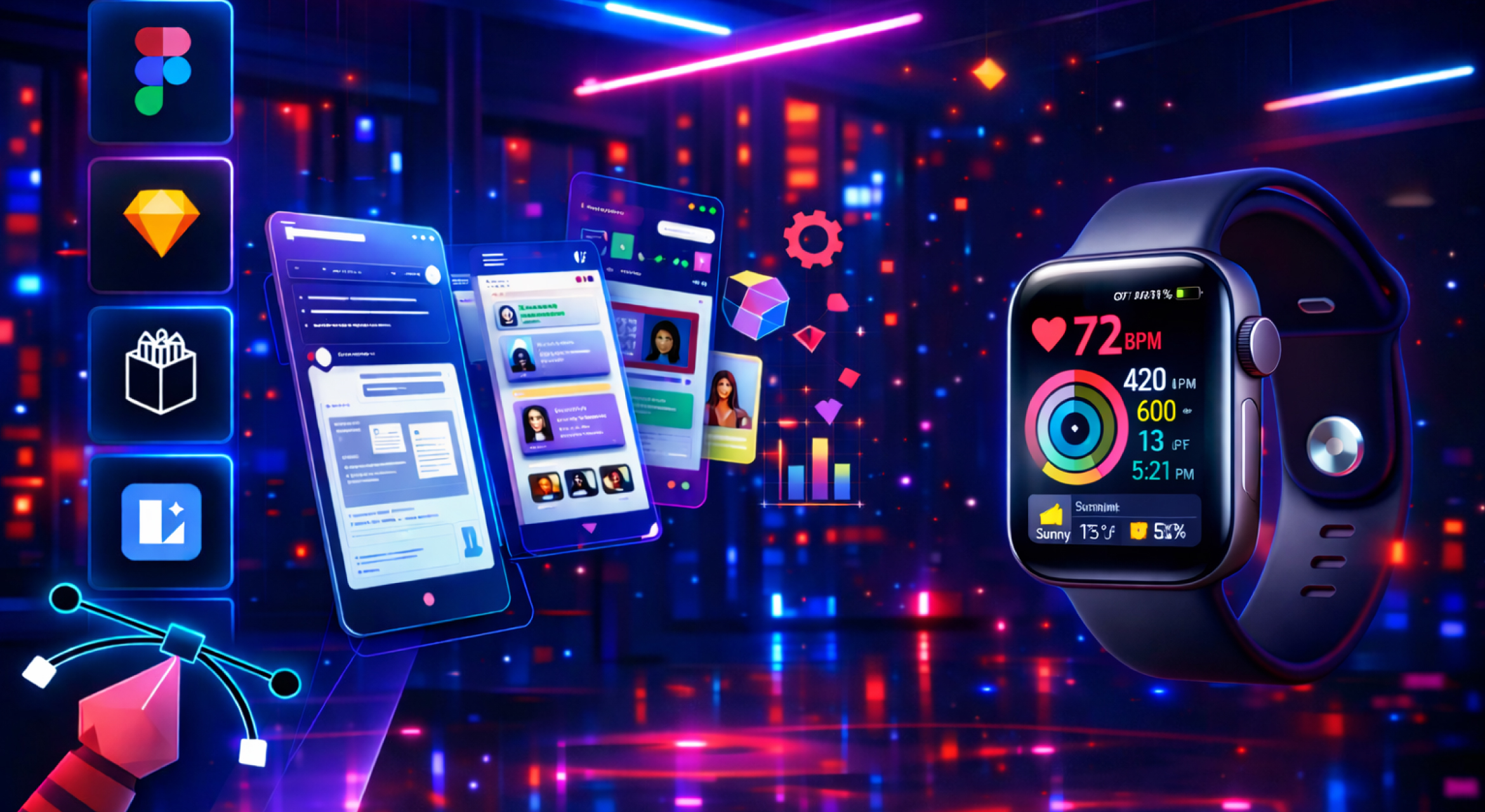
Many AI tools are now built specifically for designers.
Let’s look at the most important categories.
1. AI UI Design Generators
These tools generate UI designs automatically.
Designers can enter prompts such as:
-
“Landing page for a fitness app”
-
“Fintech mobile app dashboard”
-
“Food delivery checkout screen”
The AI generates a design structure instantly.
Examples include:
-
Galileo AI
-
Uizard
-
Visily
-
Locofy AI
These tools help designers quickly explore ideas.
However, designers still need to refine layouts, improve usability, and ensure consistency.
2. AI UX Writing Tools
Microcopy is an important part of UX design.
AI writing tools can generate:
-
button labels
-
onboarding text
-
error messages
-
product descriptions
-
help instructions
Popular AI UX writing tools include:
-
Jasper
-
ChatGPT
-
Copy.ai
Designers can generate multiple copy variations and test them quickly.
3. AI Research and User Testing Tools
User research can take weeks.
AI tools now speed up the process.
They can analyze:
-
customer feedback
-
user interviews
-
survey responses
-
behavioral analytics
Examples include:
-
Maze AI insights
-
Hotjar AI summaries
-
UserTesting AI analysis
These tools identify patterns and provide insights quickly.
4. AI Image and Illustration Tools
Designers often need visuals, icons, and illustrations.
AI tools like image generators allow designers to create visuals instantly.
Examples include:
-
Midjourney
-
DALL-E
-
Stable Diffusion
These tools help designers create unique visual assets without relying entirely on stock images.
5. AI Accessibility Tools
Accessibility is becoming a critical part of UX design.
AI can help detect issues such as:
-
poor color contrast
-
unreadable typography
-
inaccessible navigation
-
missing alt text
Accessibility AI tools include:
-
Stark
-
AccessiBe
-
EqualWeb
These tools ensure products are usable by everyone.
How AI is Changing the UX Design Process
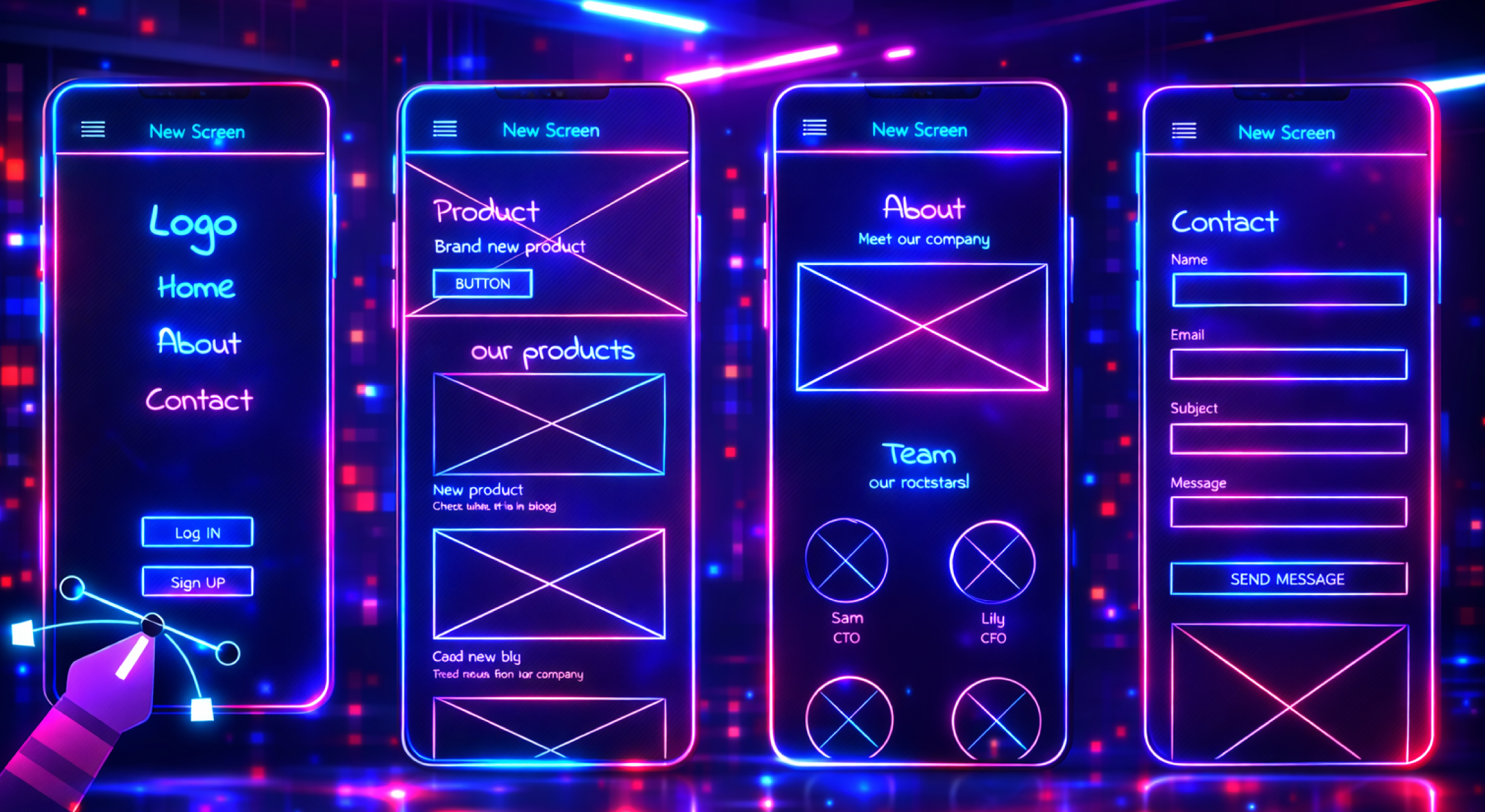
AI is not just changing tools.
It is also changing the entire design workflow.
Let’s look at how each stage of UX design is evolving.
1. Research Stage
Traditionally, designers conducted interviews and surveys manually.
AI now helps with:
-
summarizing interviews
-
detecting patterns in user feedback
-
clustering user behavior
This allows researchers to extract insights faster.
2. Ideation Stage
AI tools can generate:
-
wireframes
-
layout ideas
-
interface structures
Designers can explore many design directions quickly.
3. Design Stage
AI design assistants can:
-
suggest layout improvements
-
create responsive layouts
-
organize components
-
generate design system tokens
This speeds up the design process.
4. Testing Stage
AI tools analyze user behavior during testing.
They can detect:
-
confusion points
-
slow interaction areas
-
usability issues
This makes usability testing more efficient.
Key AI Trends in UI/UX Design for 2026
Several major trends are shaping AI-powered design.
1. Generative UI
Generative UI refers to interfaces that can generate themselves dynamically.
Instead of fixed layouts, AI can create different UI variations depending on the user context.
For example:
-
Different layout for beginners vs experts
-
Personalized dashboard content
-
Context-based navigation
2. AI Co-Designers
Designers are increasingly working alongside AI.
AI suggests layouts, colors, spacing, and typography.
Designers then evaluate and refine these suggestions.
This creates a human-AI collaboration model.
3. Predictive UX
Predictive UX anticipates user actions.
Examples include:
-
predicting search queries
-
recommending next actions
-
auto-filling forms
-
personalized navigation
Predictive UX reduces user effort.
4. Emotion-Aware Interfaces
AI systems are beginning to detect emotional signals from users.
For example:
-
voice tone
-
typing patterns
-
interaction speed
Interfaces may adapt based on user emotions.
Although this technology is still developing, it could become common in future products.
Skills UI/UX Designers Must Learn in the AI Era
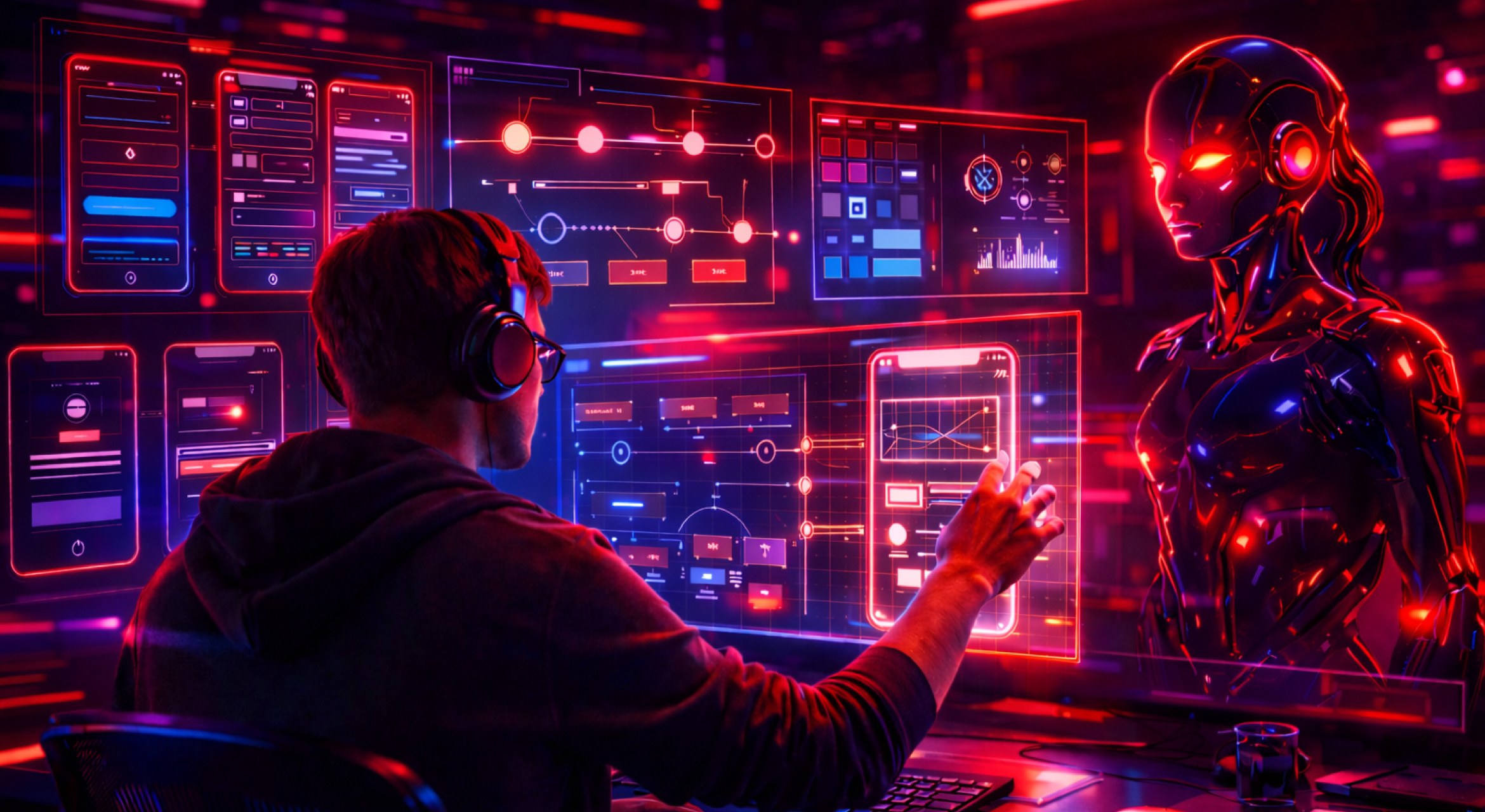
As AI becomes more integrated into design workflows, designers need to develop new skills.
1. Prompt Engineering
Prompt engineering means writing effective prompts for AI tools.
Good prompts produce better design outputs.
Example prompt:
“Create a clean fintech mobile dashboard with minimal UI, dark theme, financial charts, and simple navigation.”
The better the prompt, the better the result.
2. Data-Driven Design
AI generates insights from data.
Designers must learn to interpret:
-
analytics
-
behavioral data
-
user insights
Data literacy will become a critical design skill.
3. Design Systems
AI tools rely heavily on structured design systems.
Designers must understand:
-
components
-
tokens
-
reusable patterns
Design systems help AI generate consistent designs.
4. Human-Centered Thinking
Even in an AI-driven world, empathy remains essential.
Designers must still understand:
-
user motivations
-
user frustrations
-
real-world contexts
AI cannot replace human empathy.
Conclusion
The future of AI in UI UX Design 2026 looks extremely promising as artificial intelligence continues to reshape how digital products are designed.
Artificial Intelligence is transforming the UI/UX design industry in powerful ways.
From generating layouts to analyzing user behavior, AI is helping designers work faster and smarter.
However, the role of designers remains essential.
AI can assist with tasks, but creativity, empathy, and human understanding are still the foundation of great design.
Designers who embrace AI tools will gain a major advantage in the future job market.
For students and professionals learning design today, understanding AI is no longer optional — it is a critical skill.
Institutes like Adontic Creative School are helping the next generation of designers prepare for this AI-powered future.
The designers who succeed in the coming years will not be those who fear AI, but those who learn how to collaborate with it.